Instagram Video vs Reels Download: What’s the Difference?
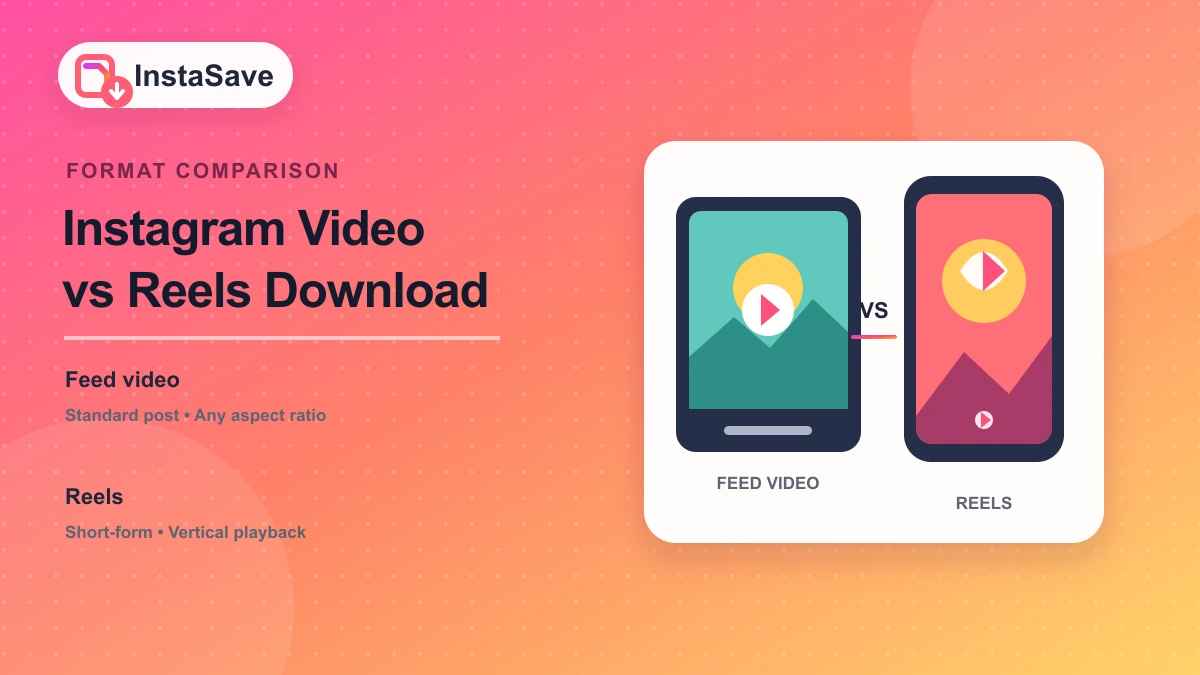
Instagram videos and Reels often look similar when you copy a link, but they are different formats with different browsing behavior, aspect ratios, and download expectations. Knowing which one you are saving helps you choose the right link and avoid unexpected results.
Instagram Videos and Reels Are Not the Same Thing
A regular Instagram video is usually a feed post designed for the profile grid. It can be horizontal, square, or vertical, and it may remain part of a carousel with other photos or videos. A Reel is built for short-form vertical playback and is distributed through the Reels tab, recommendations, and audio-based discovery.
The distinction affects how people find the content, but the file you ultimately save may still be an MP4. The difference is mainly the post type, presentation, and the version Instagram exposes for playback.
How to Tell If You’re Looking at a Reel or a Regular Video
Look at the post interface before copying the link. Reels usually have a dedicated Reels icon, a vertical full-screen player, and an audio track label. They often show the Reels icon in the profile grid. Regular videos appear as standard grid posts and may have a carousel counter when they are part of a multi-item post.
The URL can also provide a clue. Reel links commonly contain /reel/,
while feed posts usually contain /p/. The fastest approach is to open the
post, tap the three-dot menu, and copy the link directly rather than editing a URL by
hand.
Does the Download Method Change?
A good web downloader accepts both Reel and feed-video links because both pages expose media metadata to the parser. The processing flow is generally the same: paste the public URL, read the available media, and download the file. The selected rendition and aspect ratio may differ, but you do not need two completely different tools.
If you are using a tool with separate Video, Reels, and Post options, choose the tab that matches the content. If you are not sure, the general video downloader should still detect the link.
Instagram Reel vs Feed Video: What Changes for the User?
Reels are usually vertical and optimized for full-screen mobile viewing. Feed videos may have a different aspect ratio and can be accompanied by multiple images or videos in the same post. Reels also tend to carry an audio attribution, while standard video posts may not.
When you save either type, confirm that the downloaded file uses the orientation you expect. A vertical Reel should remain vertical, while a landscape feed video should not be stretched into a portrait frame.
What Happens If You Paste the Wrong Instagram Link?
Pasting a profile, story, or unrelated link may return an error because the downloader cannot find a public video object. Pasting a Reel link into a feed-only parser can also fail if that parser does not support the URL pattern. The safest method is to use a downloader that supports video, Reels, posts, and stories in one place.
If a link fails, reopen the post and copy the link again. Tracking parameters or copied text around the URL can prevent the parser from reading it correctly.
Can You Download a Reel and a Feed Video in the Same Way?
Yes. Both can be downloaded by pasting a public post link into a compatible downloader. The service retrieves the available media file and presents it for saving. The main differences are the post's dimensions, duration, caption, and the quality of the rendition Instagram provides.
Which Instagram Video Should You Download?
Download the version that contains the content you actually need. Use the Reel link when the post is a Reel and you want the vertical short-form video. Use the feed-video link when you need a standard post, a landscape clip, or a video inside a carousel.
For reliable results, always start from the original public post, choose the highest available quality, and check the downloaded file before sharing or archiving it.